Events and Secret Santa
How to update an event after launch
Update event details, participants, invitations, and pairing settings from the event page.
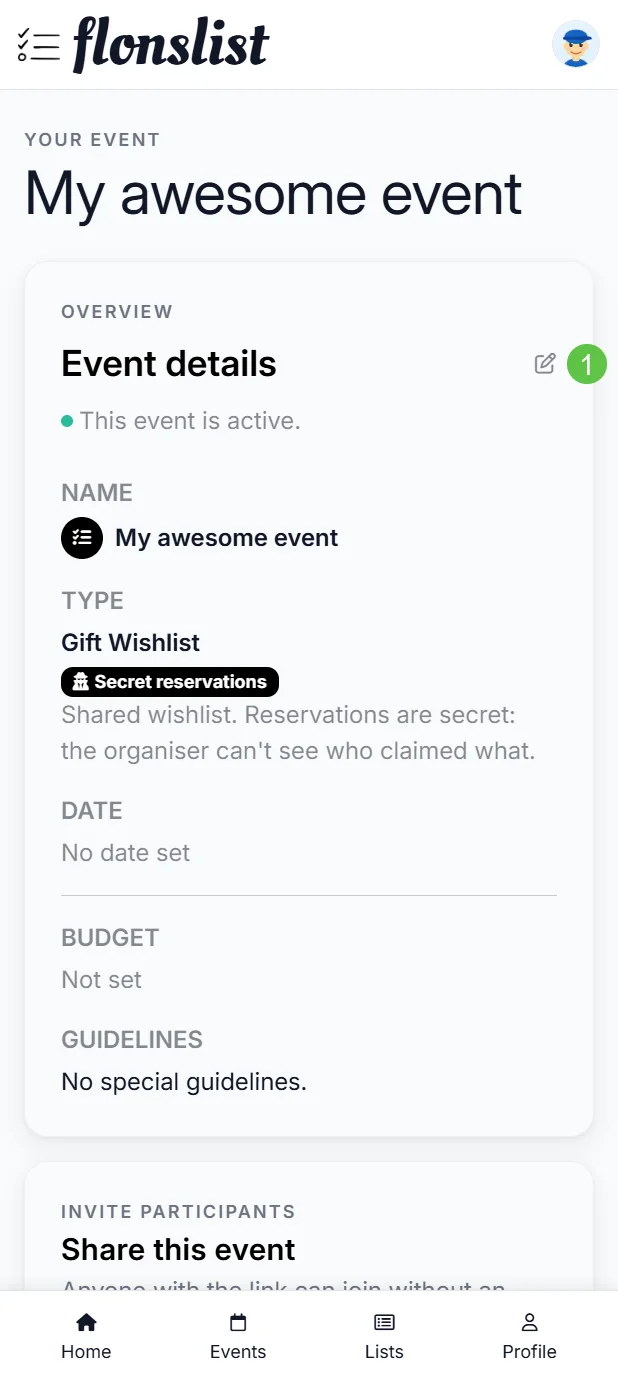
Edit event sections
Open the event and use its edit actions for details, participants, or pairing options. The event type is not freely interchangeable after launch because it controls the event's data and permissions.
Manage participants
- Check if each invitation is still pending or has been accepted.
- If needed, resend any eligible email invitations.
- You can add or remove participants if the event settings allow these changes.
- For events that use a shareable link, copy the current link or create a new one if you need to change access.
Make changes carefully
Participant changes can affect pairings and claims. Read any warning shown before removing somebody or regenerating access.