Getting started
Get started with Flonslist
Create your account, verify your email, and find your way around Flonslist.
Create an account
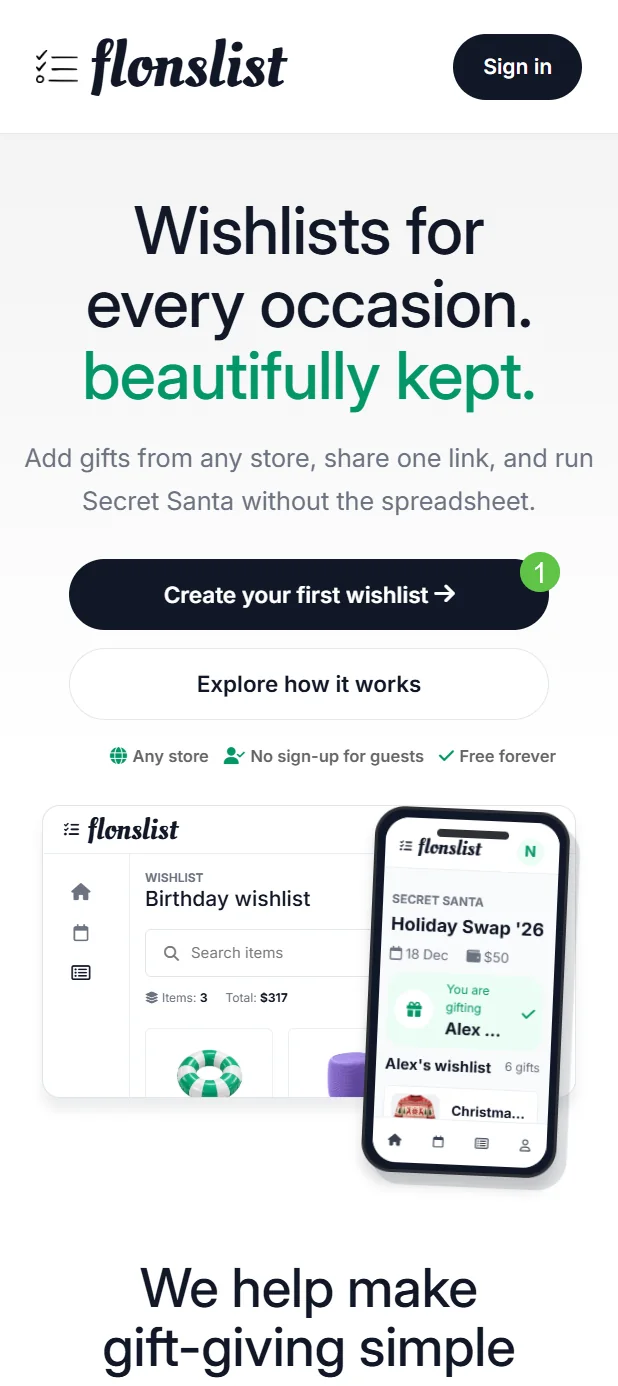
Choose Get started for free
Use the action in the top navigation to open the account page.
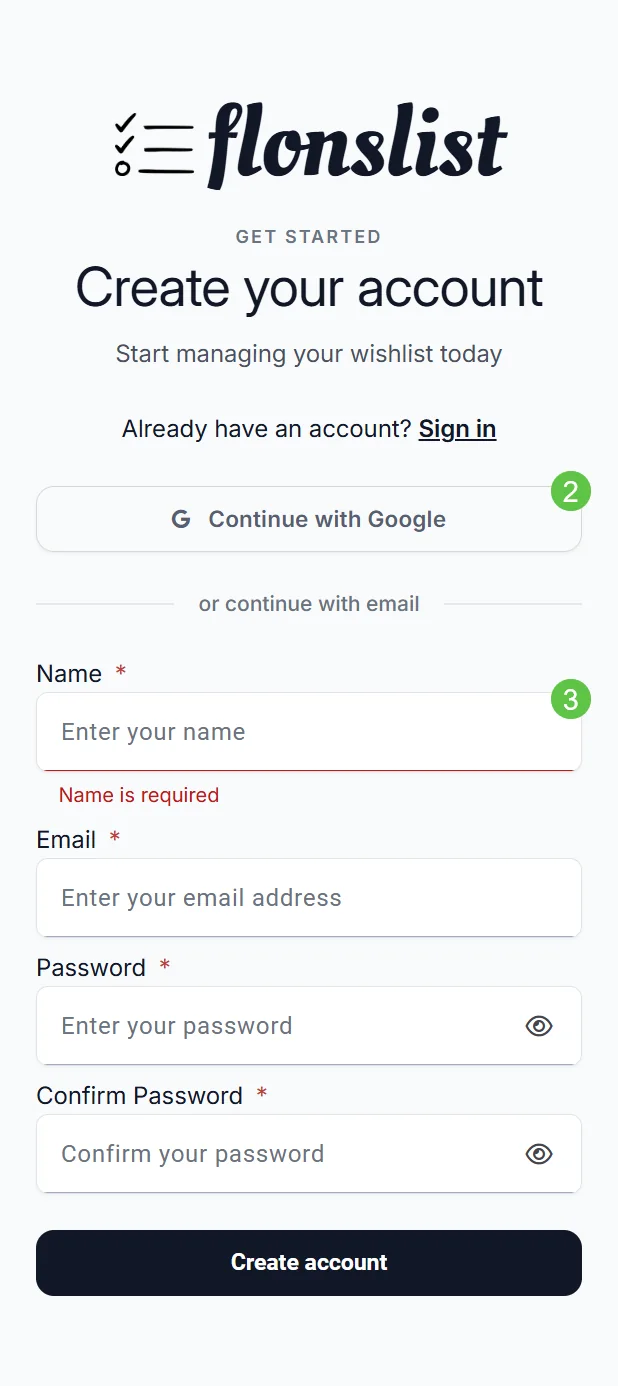
Choose how to continue
Select Continue with one of the SSO logins (e.g. Google), or enter your name, email, password, and password confirmation.
Finish account setup
If you used email, follow the verification message sent to your inbox. You can choose or change your avatar from your profile.
Sign back in
Select Sign in in the top navigation, then use the same Google account or email credentials you registered with. Use Forgot my password from the sign-in page if you cannot remember your password.
What guests can do
A guest can open a shared wishlist and reserve an available gift without creating an account. Creating wishlists and organising events requires an account.